
Overview
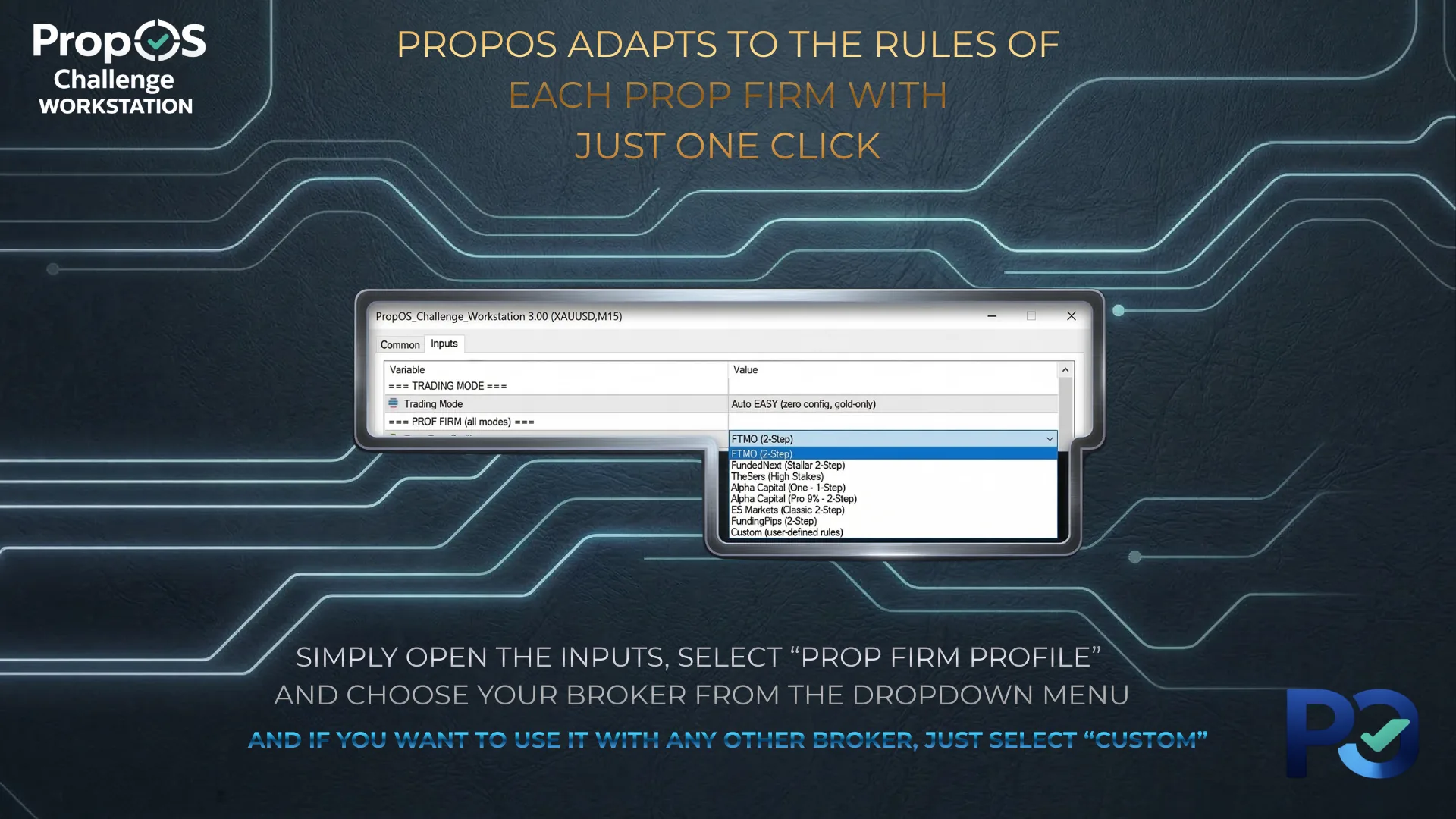
PropOS Challenge Workstation is configured entirely through MT5 input parameters. Open the EA's properties (right-click on chart → Expert Advisors → Properties → Inputs tab) to access all settings. Parameters are grouped into logical sections described below.
Trading Mode
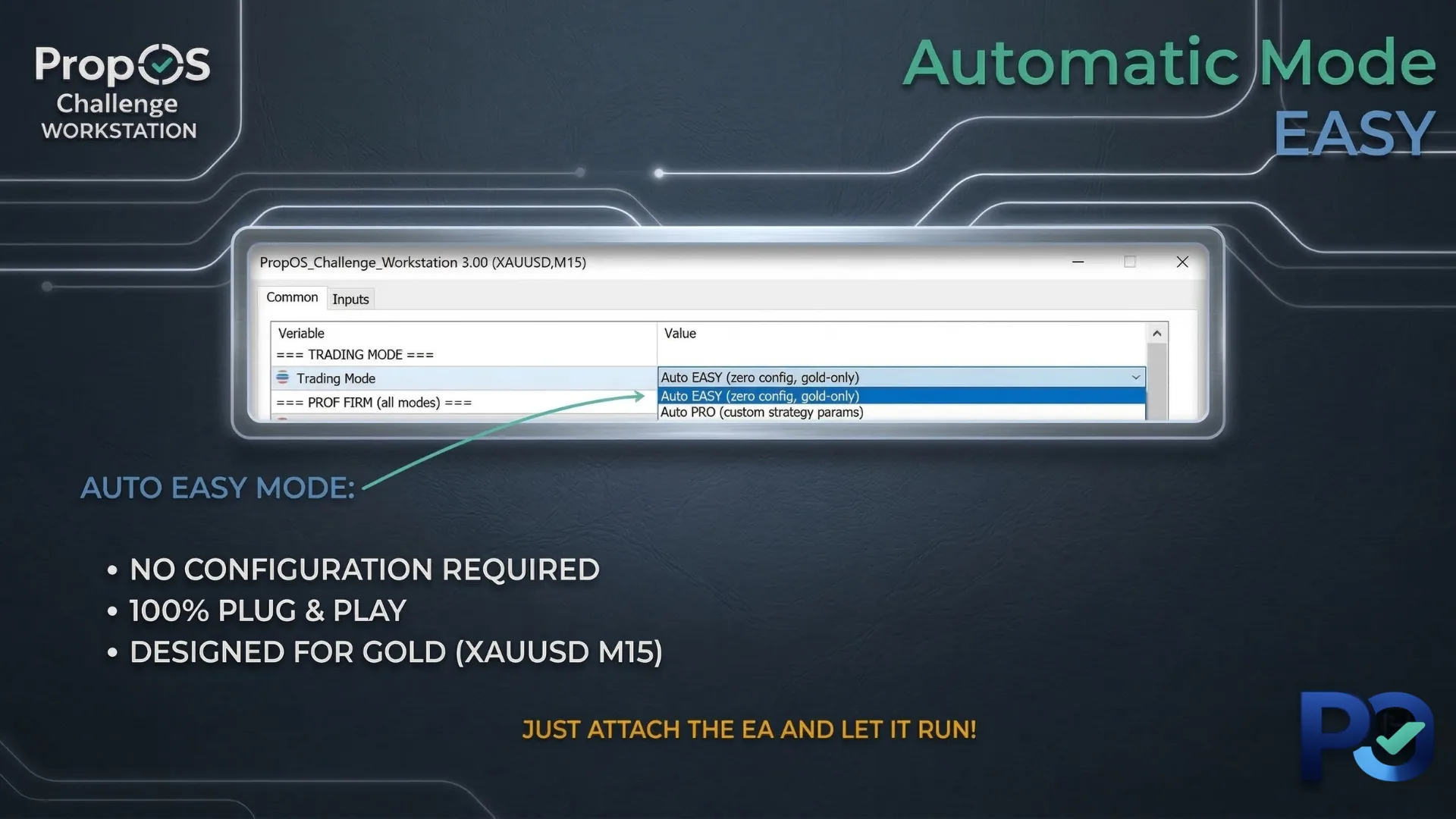
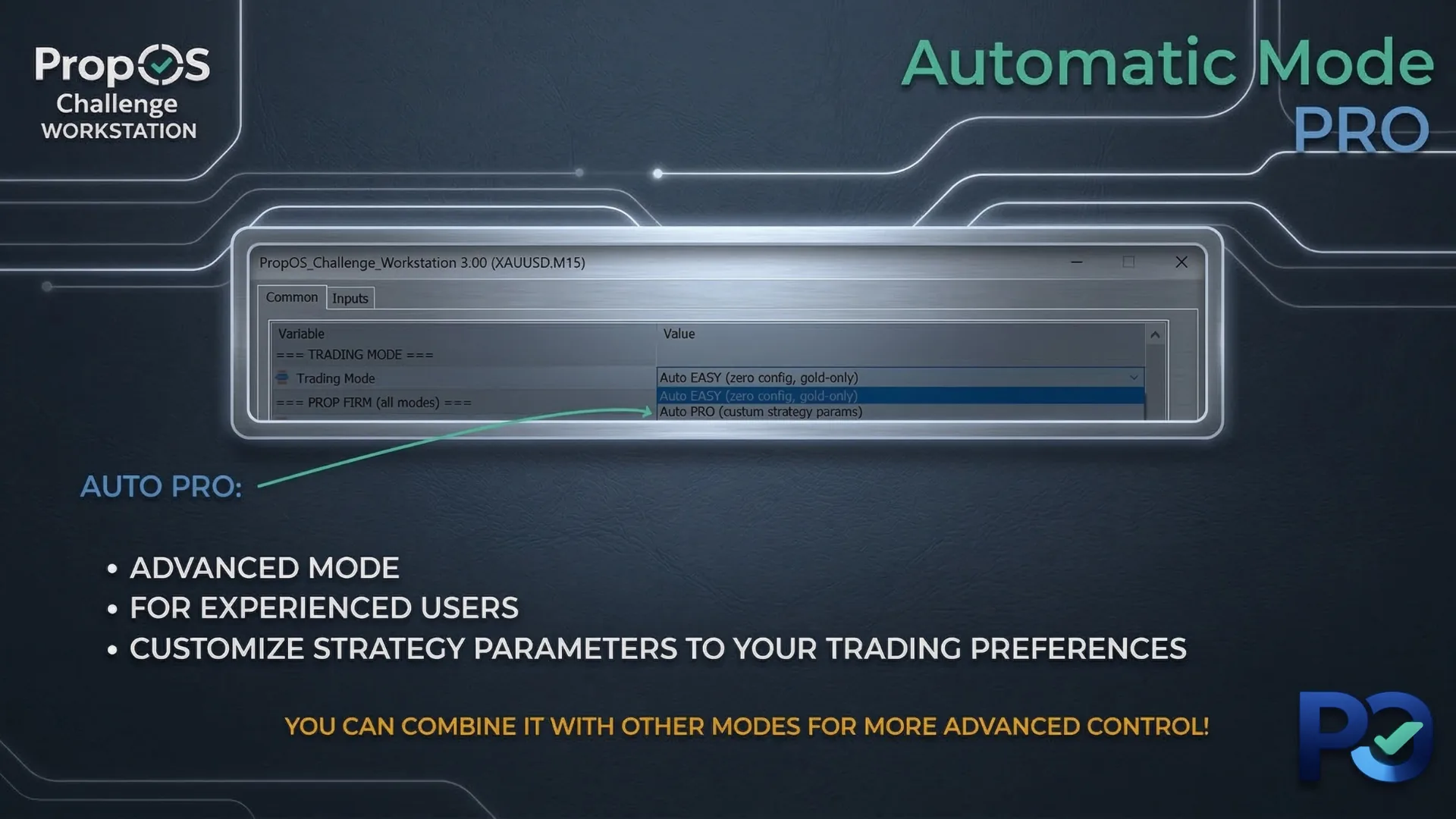
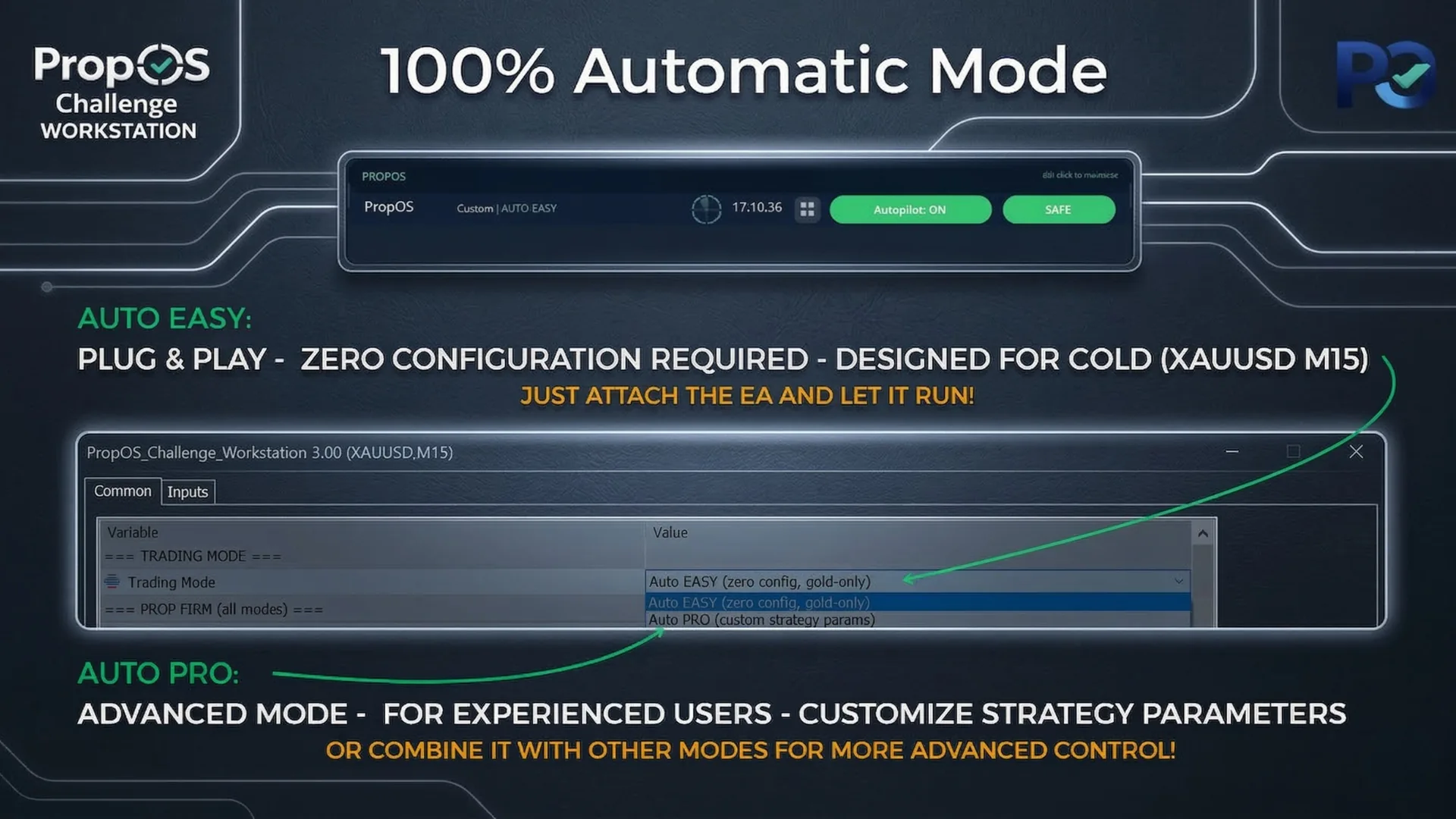
The single most important setting. Determines how PropOS operates.
Auto PRO — Same strategy, all parameters exposed for customization.
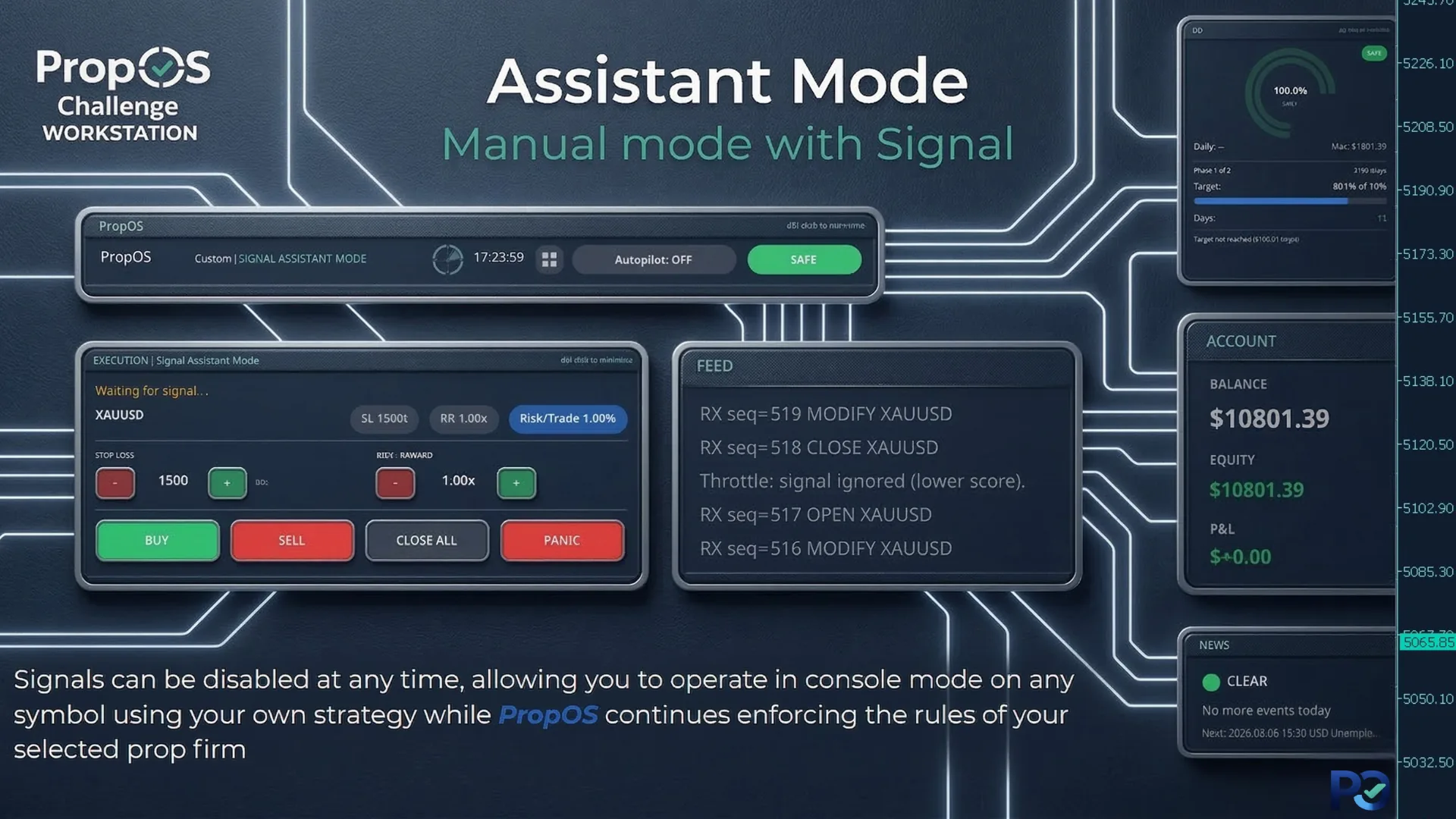
Signal Assistant — Strategy generates signals, you decide to execute or skip.
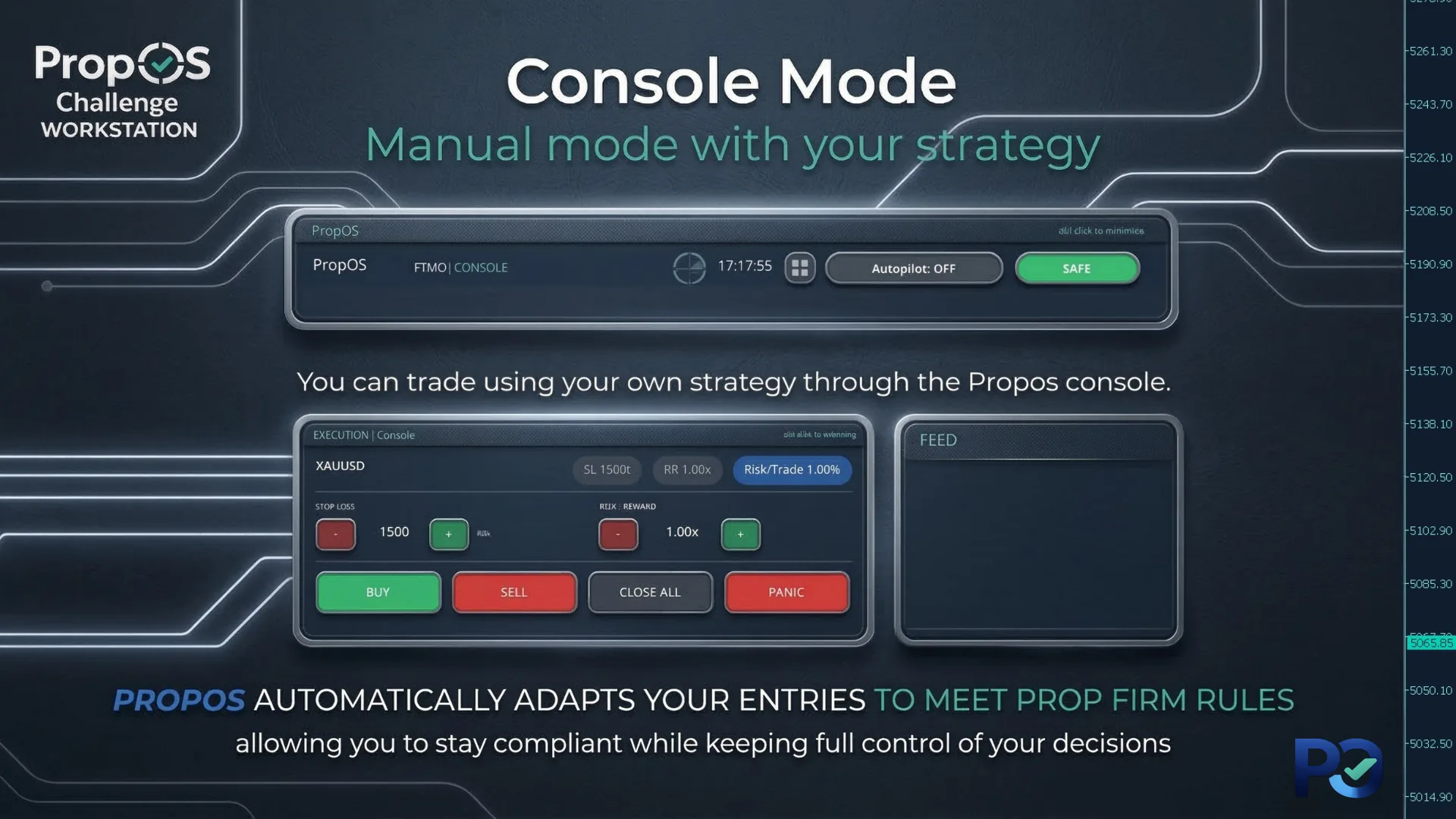
Console — Pure manual trading through the PropOS execution panel. No strategy.
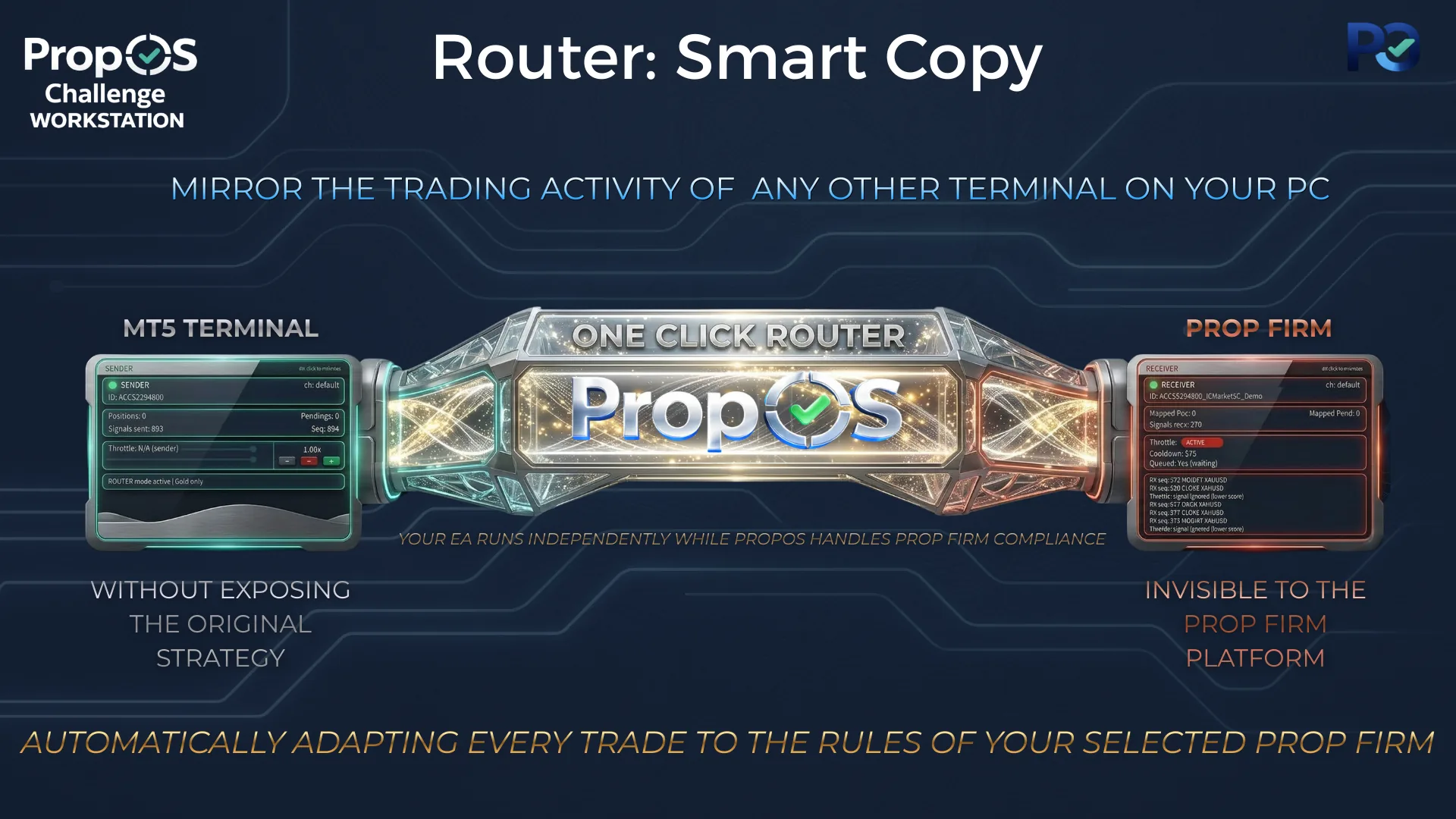
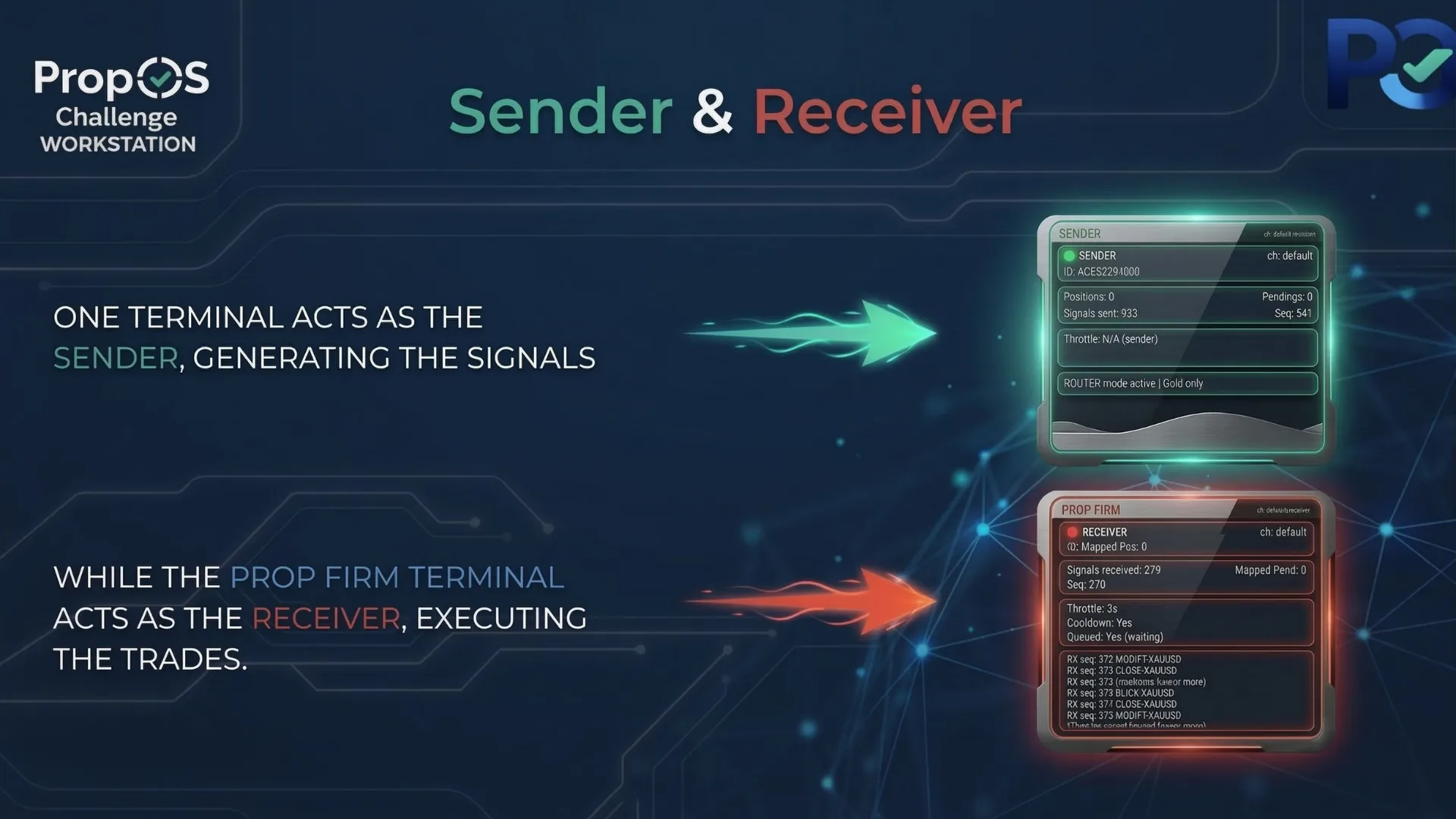
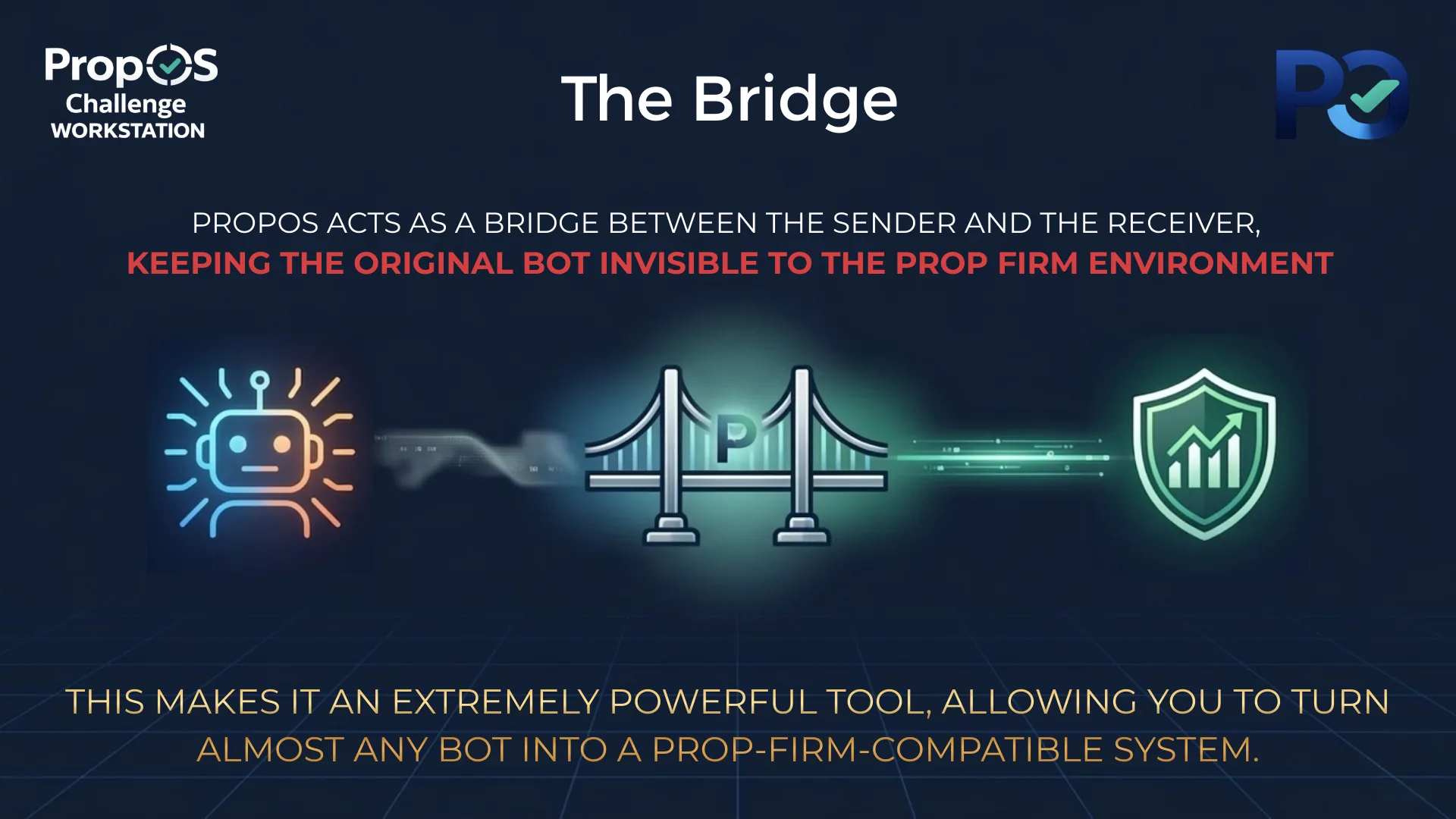
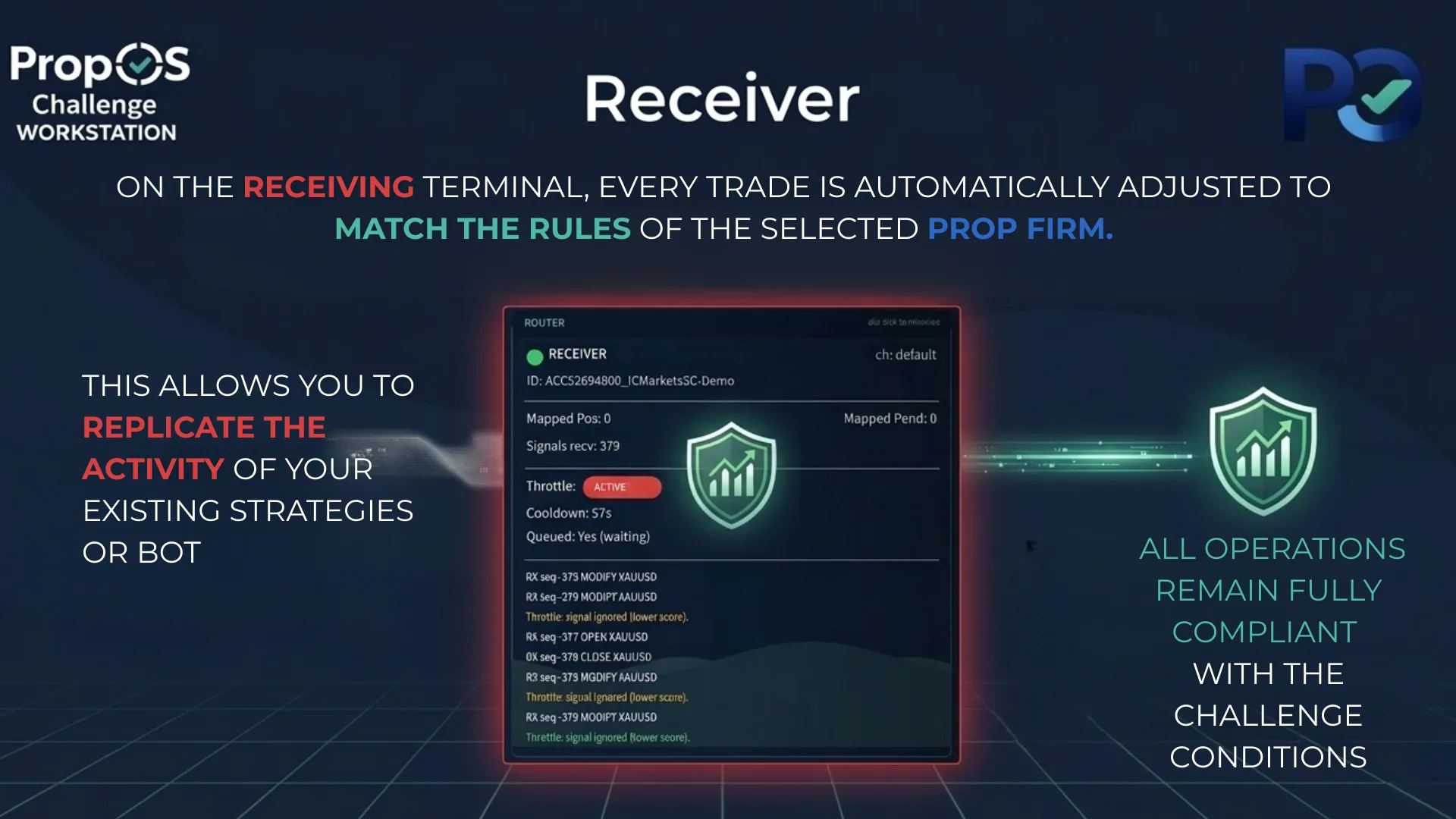
Router — Smart Copy Trading mode. Sender broadcasts, Receiver copies and adapts.
Prop Firm (All Modes)
These settings apply regardless of which trading mode you choose.
Risk & Execution
Core execution and safety settings that apply across all trading modes.
Titan Strategy
Titan is the primary M15 engine and operates exclusively on the BUY side. It reads market structure across multiple timeframes to establish bullish conviction, then identifies high-probability long entry zones. Patient and precise — built for consistency.
Monster Strategy
Monster operates exclusively on the SELL side, hunting for explosive bearish price movements that reveal where institutional money is flowing. When it detects a power move, it tracks the aftermath and strikes at the optimal short re-entry point.
Raptor Strategy
Raptor operates exclusively on the SELL side on M15, specializing in catching bearish breakouts from consolidation zones. It monitors key structural levels and strikes the instant a downside breakout is confirmed, riding the initial wave of selling momentum.
Signal Alerts (Signal Assistant Mode)
Configure how you want to be notified when the strategy generates a signal.
Smart Copy Trading (Router)
Configure the Router to copy trades between MT5 terminals. Select "Router" as Trading Mode to enable these settings. ▷ Step-by-step Router Setup Guide
Receiver: Copies and adapts trades to this terminal. Attach to your prop firm account.
Entry Only: Only copies the initial entry. SL, TP, trailing, and exits are managed locally by PropOS.
Custom Firm Settings
These parameters only apply when "Custom" is selected as the Prop Firm Profile. Use them to configure any prop firm not in the built-in list, or even non-prop-firm accounts.
Advanced
Settings for debugging and trade identification.
Recovery & Persistence
What PropOS saves and restores automatically when MT5 restarts, your VPS reboots, or you remove and reattach the EA.